An OTDR, power meter, light source and fault locator in one
Everything the module can do, in an app that works offline – on the phone in the field and on the laptop at the desk.
No vendor app, no account, no cloud
fsOTDR talks to the module directly over USB. It needs no account, no login and no internet connection – the Android app does not even ask for internet access. Your measurements stay on your phone or computer, in the files you save.
OTDR traces
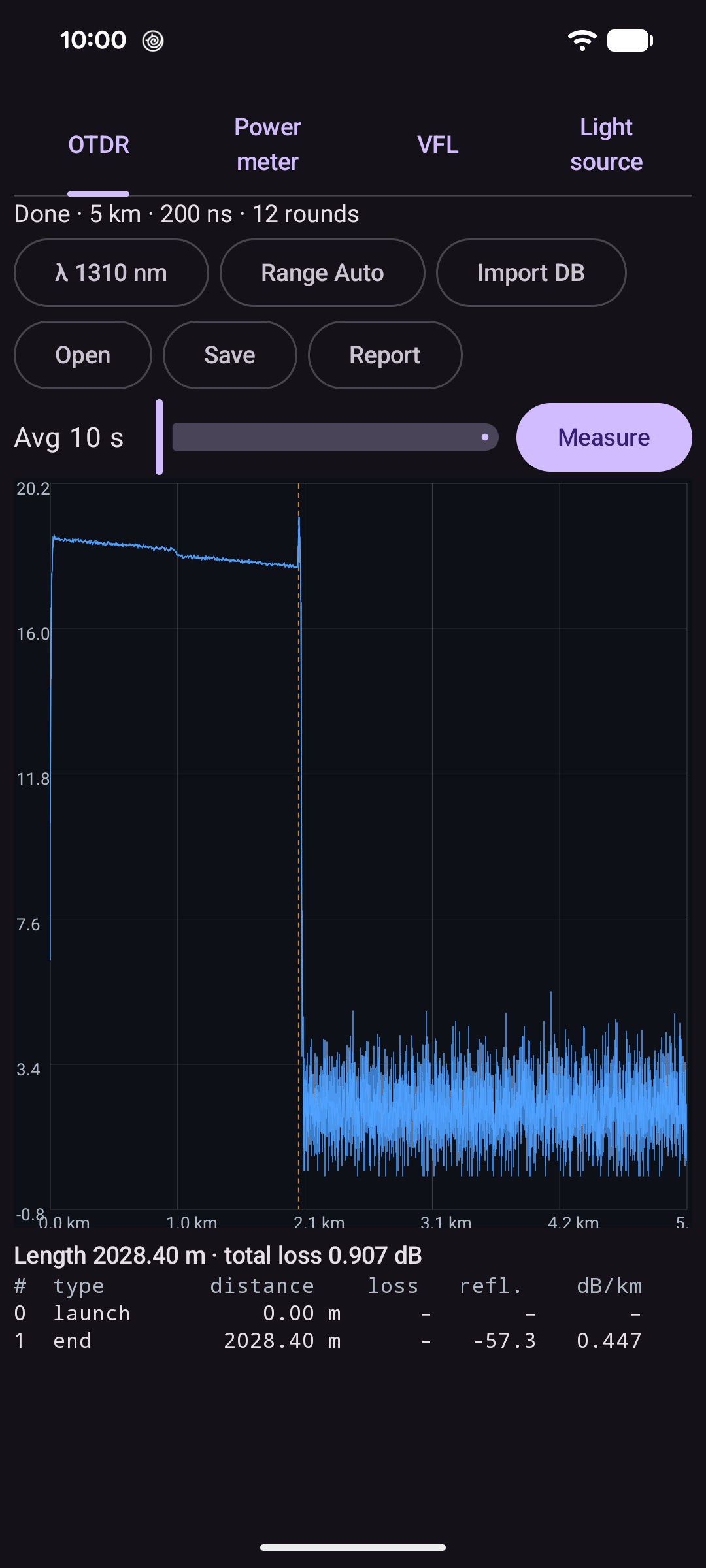
1310 and 1550 nm, ranges from 100 m to 260 km, pulses from 3 ns to 20 µs and 1 to 180 seconds of averaging – or Auto, which finds the fiber length and picks range and pulse. The trace updates live while it averages; zoom and pan to the detail.
Event analysis
Finds splices, connectors and the fiber end, with loss, reflectance and attenuation of each section, plus fiber length and total loss. On the desktop, two markers measure distance, loss and dB/km.
Power meter and light source
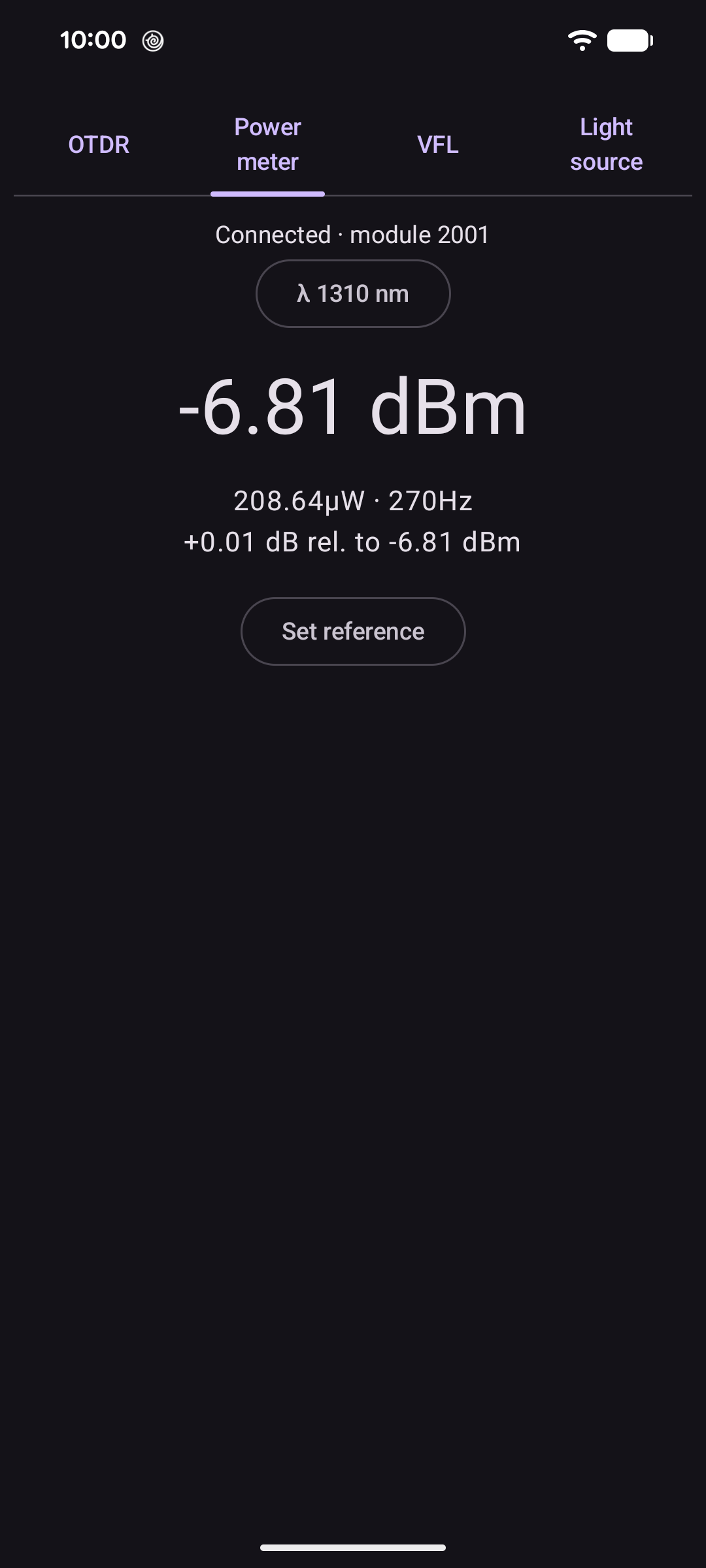
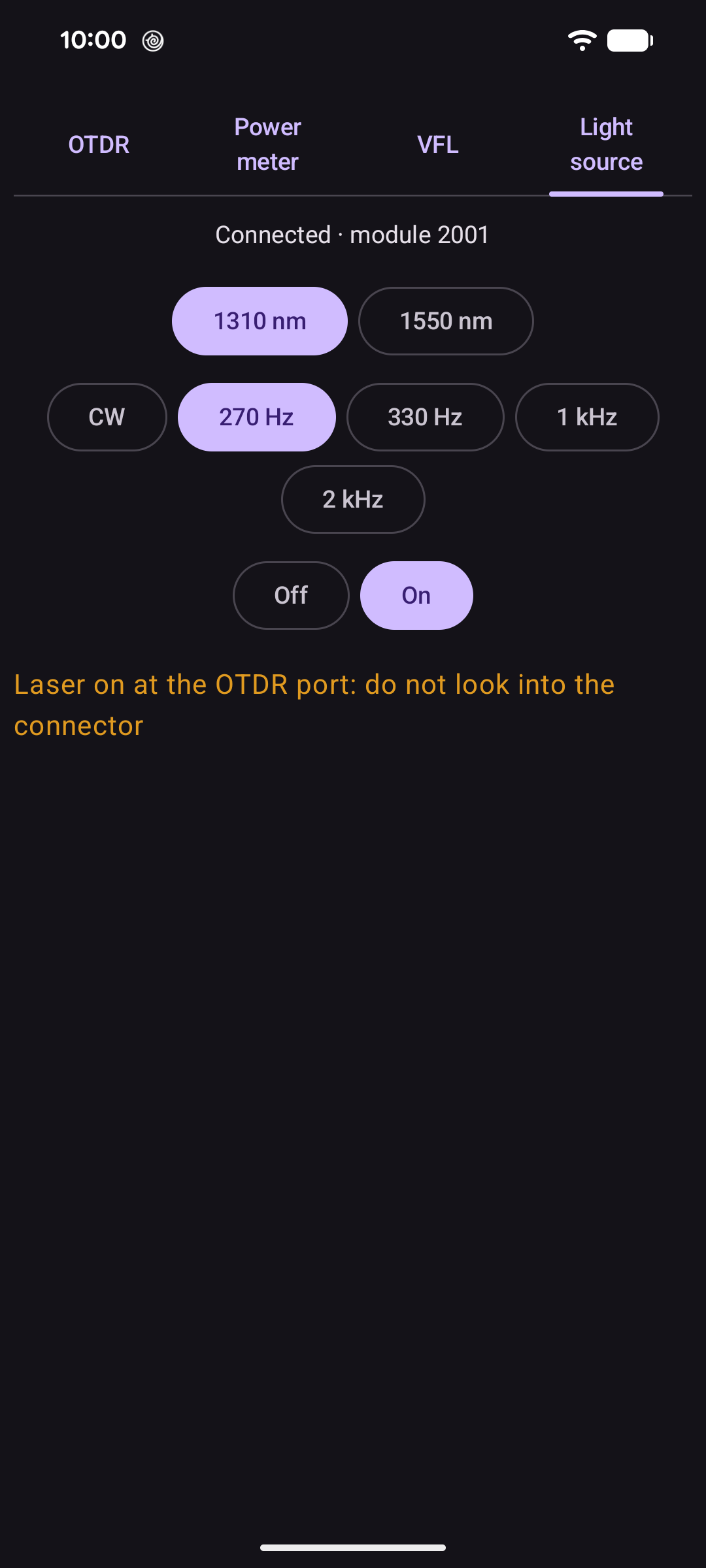
The power meter is calibrated for 850 to 1650 nm and shows dBm and watts, the loss relative to a reference you set, and whether the light is steady or modulated. The OTDR laser doubles as a light source at 1310 or 1550 nm, steady or modulated at 270 Hz, 330 Hz, 1 kHz or 2 kHz.
Visual fault locator
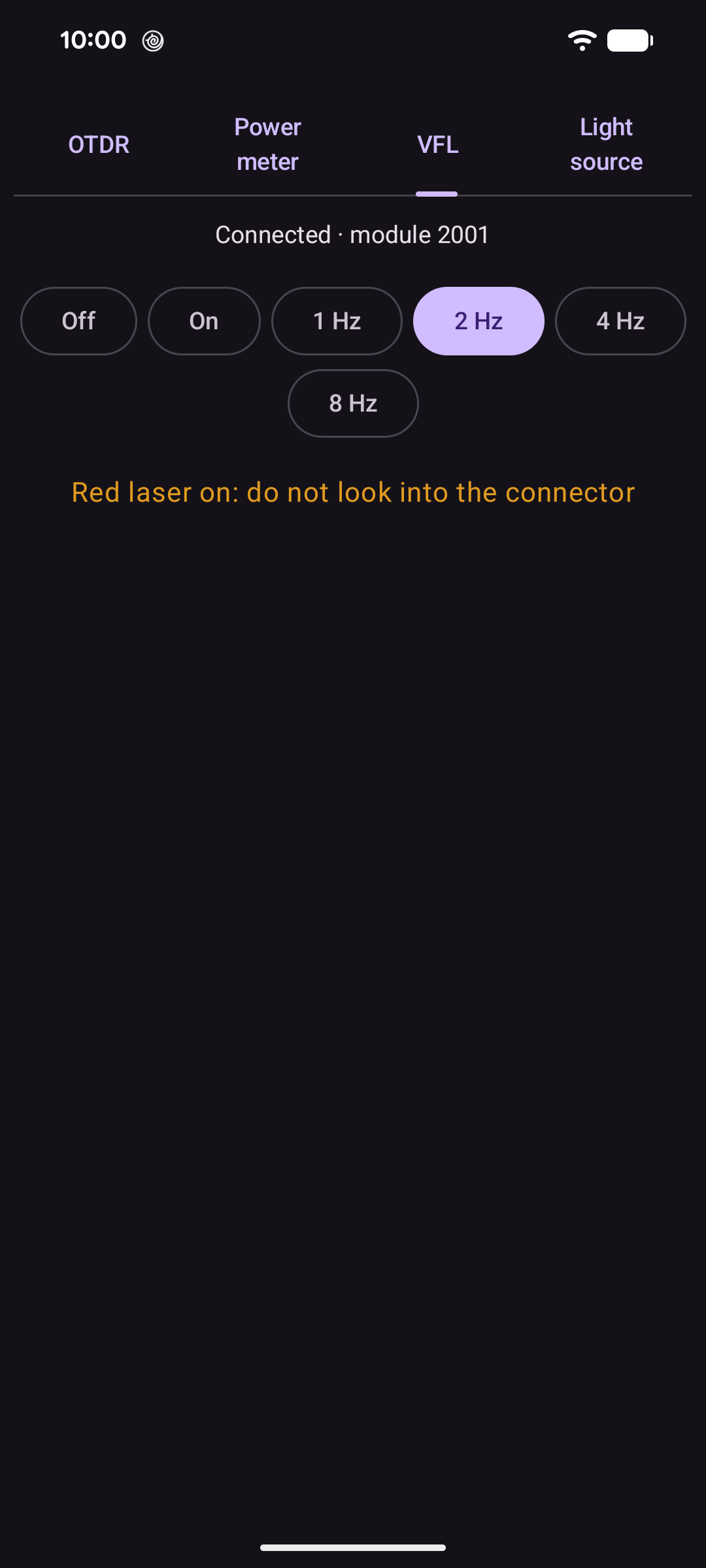
Sends red light into the fiber to find breaks, sharp bends and bad connectors and to identify fibers – steady or blinking 1, 2, 4 or 8 times a second.
SOR files and PDF reports
Opens and saves Telcordia SR-4731 (.sor) files with their events, for other OTDR software. One tap makes a PDF report with parameters, trace and event table (sample); the desktop also exports CSV.
At home on Android
Plug the module into your phone with a USB OTG adapter and fsOTDR opens. Works in portrait and landscape; the fault locator keeps running in the background while you walk to the other end.
At home on Linux
A desktop app with a large trace view, event table and markers. The Debian package sets up USB access for the module and the calibration data, so it works after plugging in.
Screenshots
The Android app and the Linux app, measuring a 2 km test fiber. Tap a screenshot to see it full size.
On the Linux desktop
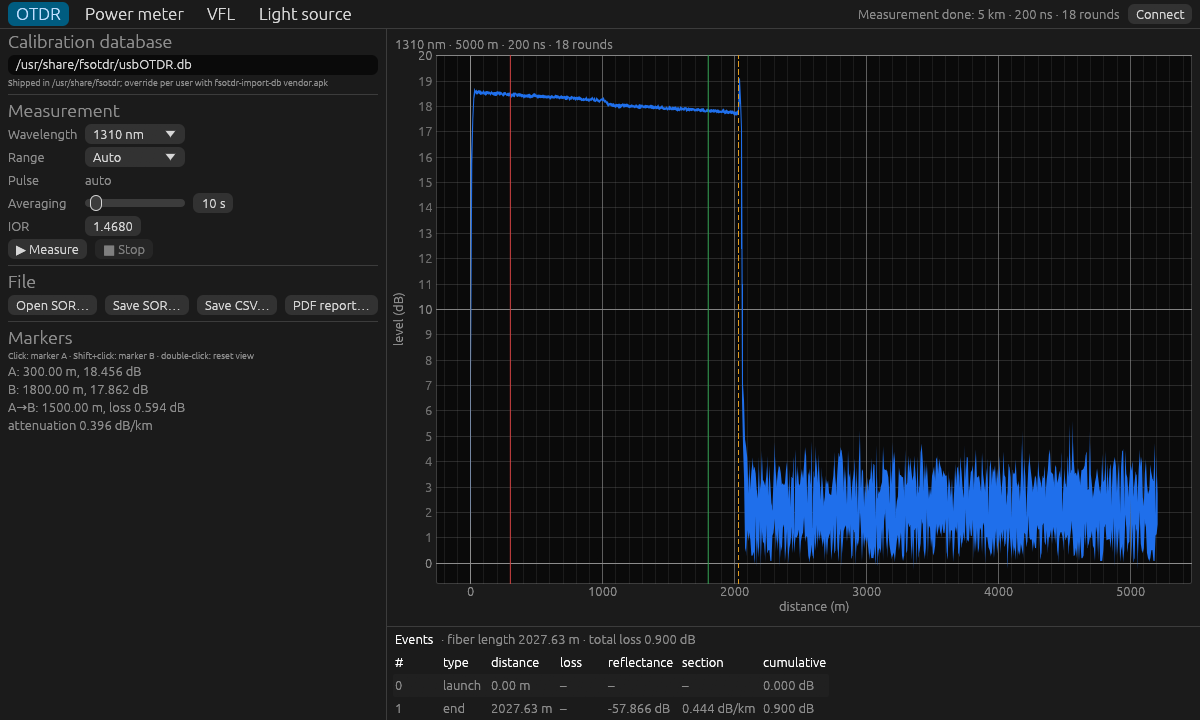
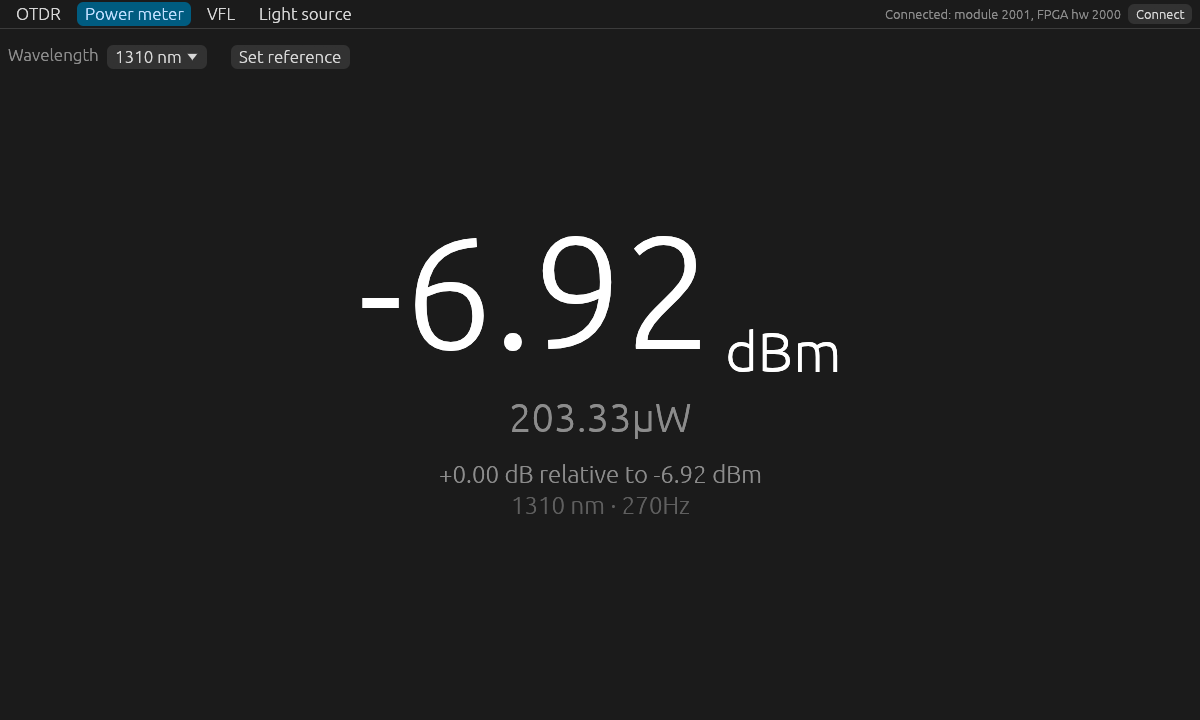
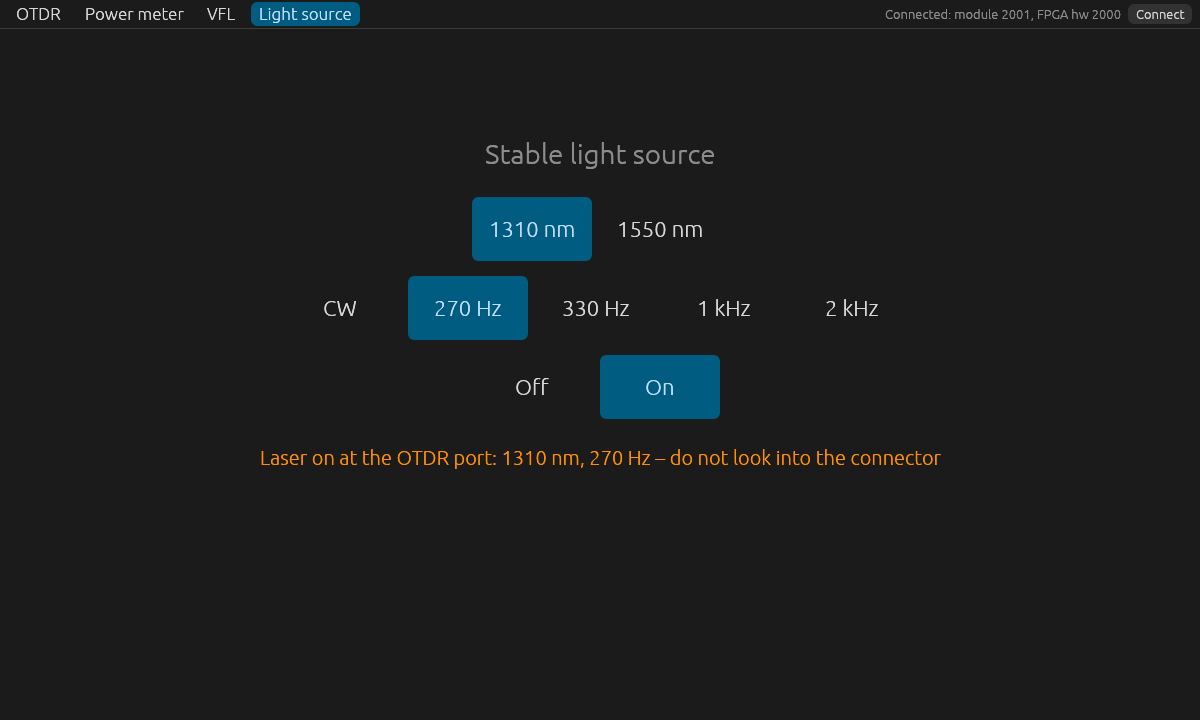
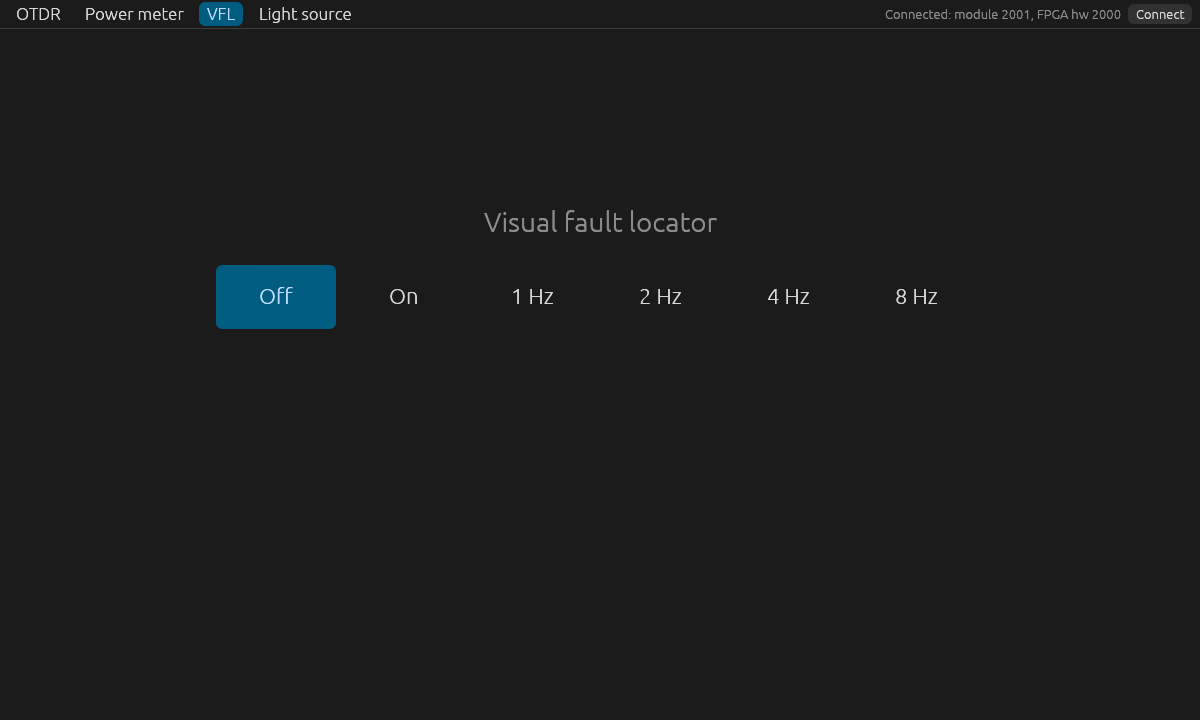
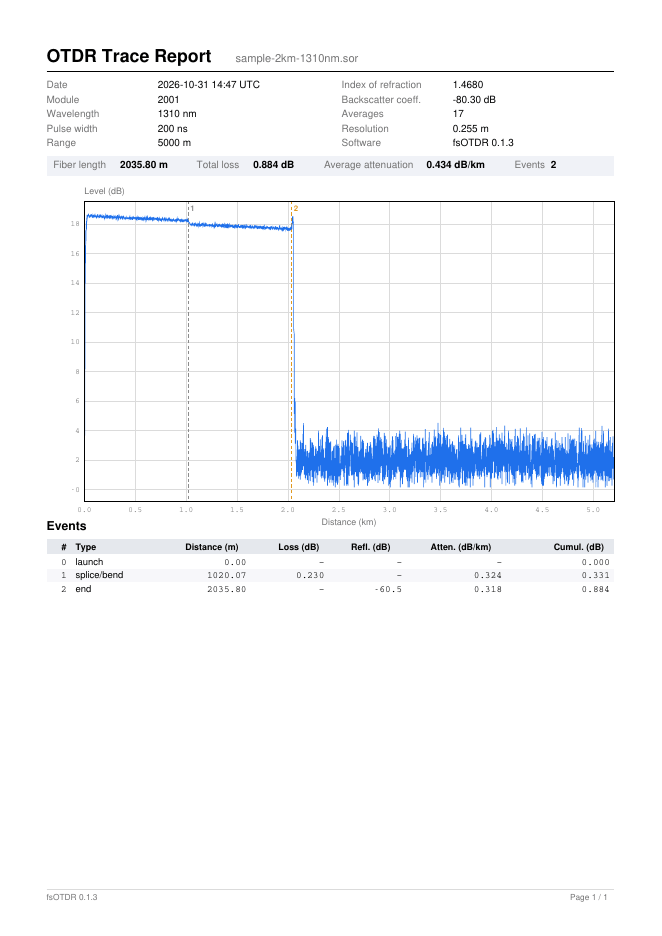
Sample PDF report
The report of the 2 km test fiber from the screenshots: measurement parameters, a summary with fiber length, total loss and average attenuation, the trace with the events marked, and the event table – here the joint between the two 1 km spools at 1020 m (0.23 dB) and the fiber end.
Which modules
fsOTDR works with USB OTDR modules built around the WCH CH347 USB bridge (USB ID 1a86:55db), sold for example as the NK1500 series. It is tested with an NK1500-D1-Live (1310/1550 nm OTDR, power meter, light source, fault locator).
- The calibration data for the module types (1310/1550, 1550 and 1610 nm) is included – no import needed.
- The power meter, fault locator and light source tabs appear when the module has them.
fsOTDR is an independent project, not affiliated with the maker of the modules.
Download
Install the APK on your phone, or the package on your Debian computer.
Android app
For phones with Android 8 or newer and USB OTG (arm64, armv7, x86_64).
Download APK ChangelogDebian package
For 64-bit PCs (amd64) running Debian. Includes the calibration data and USB access for the module.
-
Debian 13 (trixie)
-
Debian testing
-
Debian unstable
- Open the downloaded file on your phone (Android 8 or newer). If asked, allow your browser or file manager to install unknown apps.
- Connect the module with a USB OTG adapter. Android offers to open fsOTDR – allow access to the USB device.
Download the package for your Debian version and install it with
sudo apt install ./fsotdr_*_amd64.deb
Then plug the module in (again), so the USB access rule applies. fsOTDR appears among your applications.
For automatic updates, use the apt repository instead.
Install from the apt repository
With the repository, fsOTDR is updated together with the rest of your system. Choose your Debian version:
-
Download the key the packages are signed with:
curl -fsSL https://packages.freestone.net/repo.asc | sudo tee /etc/apt/keyrings/packages.freestone.net.asc > /dev/null -
Save this as
/etc/apt/sources.list.d/packages.freestone.net.sources:Types: deb URIs: https://packages.freestone.net Suites: trixie Components: main Signed-By: /etc/apt/keyrings/packages.freestone.net.ascTypes: deb URIs: https://packages.freestone.net Suites: testing Components: main Signed-By: /etc/apt/keyrings/packages.freestone.net.ascTypes: deb URIs: https://packages.freestone.net Suites: unstable Components: main Signed-By: /etc/apt/keyrings/packages.freestone.net.ascFor example with
sudo nano /etc/apt/sources.list.d/packages.freestone.net.sources -
Install fsOTDR:
sudo apt update
sudo apt install fsotdr
Privacy
No ads, no analytics, no account. fsOTDR makes no network connections at all: it talks only to the module on its USB port. Traces and reports are saved only where you choose.
Read the full privacy policy · Datenschutzerklärung (Deutsch)